

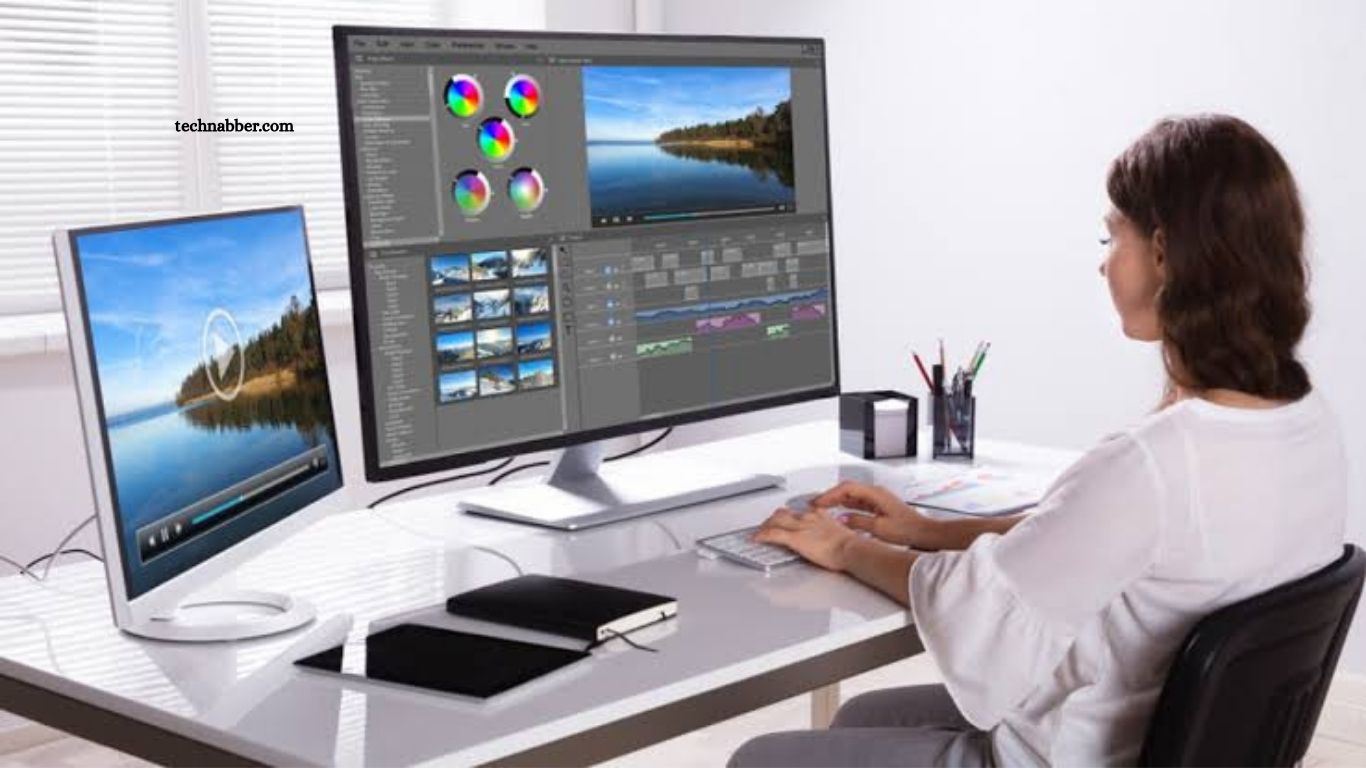
Video editing has become an essential skill for creators, marketers, businesses, students, and professional filmmakers. The right video editing software can turn raw footage into polished content with better visuals, clean audio, smooth transitions, and engaging effects.
Choosing the best editor can feel difficult because every program offers different features, performance levels, pricing models, and learning curves. This guide compares the top video editing software based on usability, editing tools, performance, creative features, and suitability for different types of users.
Read More: Best AI-Powered Apps for Daily Productivity
What to Look for in Video Editing Software
Good video editing software should provide a balance between powerful features and simple controls. Beginners usually need an intuitive interface, basic trimming tools, transitions, text effects, and easy export options. Professional editors often require advanced color grading, audio mixing, motion graphics, multicam editing, and high-resolution support.
Compatibility also matters. Some editors work across Windows and macOS, while others are designed for specific platforms. Hardware requirements should also be considered, especially when editing 4K or 8K footage.
Adobe Premiere Pro
Adobe Premiere Pro remains one of the most recognized professional video editing applications. It provides an extensive collection of tools for editing, color correction, audio work, effects, and professional production workflows.
Premiere Pro works well for YouTube creators, filmmakers, agencies, and video production teams. Its integration with other Adobe applications makes it especially useful for users working with Photoshop, After Effects, and Audition.
The software offers considerable flexibility, although beginners may need time to understand its interface and advanced workflow.
DaVinci Resolve
DaVinci Resolve is a powerful choice for users who want professional editing capabilities with a strong free version. The application combines video editing, color correction, visual effects, motion graphics, and audio post-production in one platform.
Its color grading tools are particularly well regarded in professional production. The free version provides impressive functionality, making it suitable for beginners who want to develop advanced editing skills without immediately paying for software.
DaVinci Resolve can require a capable computer when working with demanding projects, high-resolution footage, or complex effects.
Final Cut Pro
Final Cut Pro is Apple’s professional video editing software for Mac users. Its interface is designed around Apple’s ecosystem, providing a smooth workflow and strong performance on compatible Mac hardware.
The software supports high-resolution editing, advanced organization, professional effects, color tools, and efficient media management. Its magnetic timeline is also designed to simplify the editing process.
Final Cut Pro is particularly attractive to creators who already use Mac computers and want a professional editor optimized for the platform.
CapCut
CapCut has become popular among social media creators because of its accessible interface and fast editing workflow. It provides templates, transitions, captions, effects, filters, music tools, and features designed for short-form content.
The software is suitable for TikTok, Instagram Reels, YouTube Shorts, and similar platforms. Beginners can create polished videos without spending significant time learning complicated editing techniques.
CapCut focuses more heavily on convenience and social content than traditional professional production workflows.
Filmora
Wondershare Filmora offers a beginner-friendly editing environment while providing enough creative features for more advanced projects. Its interface makes trimming clips, adding transitions, inserting titles, and applying effects relatively straightforward.
Filmora includes numerous templates and creative assets that can speed up the editing process. It is a practical option for users who want more functionality than basic editors without dealing with the complexity of professional applications.
Adobe Premiere Elements
Adobe Premiere Elements targets users who want Adobe’s editing ecosystem without the complexity associated with professional editing software.
Its guided editing features can help beginners perform common tasks such as creating transitions, improving footage, applying effects, and producing finished videos. The simplified interface makes it easier to approach than a professional editing environment.
It may not satisfy experienced editors who need advanced production features, but it works well for personal projects and basic content creation.
iMovie
iMovie is a simple video editor designed for Apple devices. It provides basic editing features such as trimming, transitions, titles, music, and visual effects.
Its straightforward interface makes it useful for beginners who want to create videos without learning a complicated editing workflow. iMovie also integrates well with Apple’s ecosystem.
Professional editors may eventually need more advanced software, but iMovie remains an excellent starting point for basic projects.
Top Video Editing Software Compared
| Software | Best For | Learning Curve | Professional Features | Platform |
|---|---|---|---|---|
| Adobe Premiere Pro | Professional editing | Advanced | Excellent | Windows, macOS |
| DaVinci Resolve | Editing and color grading | Moderate to Advanced | Excellent | Windows, macOS, Linux |
| Final Cut Pro | Mac professionals | Moderate | Excellent | macOS |
| CapCut | Social media videos | Easy | Moderate | Windows, macOS, Mobile |
| Filmora | Beginner editing | Easy | Good | Windows, macOS |
| Premiere Elements | Personal projects | Easy | Moderate | Windows, macOS |
| iMovie | Basic editing | Very Easy | Basic | Apple devices |
Best Video Editing Software for Beginners
Beginners should prioritize simple controls, helpful templates, and an interface that does not feel overwhelming. CapCut, Filmora, iMovie, and Premiere Elements are strong choices for starting out.
DaVinci Resolve can also be an excellent beginner option for users who want to develop professional editing skills. Its large feature set may require more learning, but starting with basic tools can provide a useful path toward advanced editing.
Best Video Editing Software for Professionals
Professional editors generally need advanced timeline controls, color grading, audio processing, effects, motion graphics, and support for demanding production workflows.
Adobe Premiere Pro and DaVinci Resolve stand out for professional projects. Final Cut Pro is another strong option for Mac users who prefer Apple’s optimized workflow.
The best choice depends on the type of production, preferred operating system, collaboration requirements, and existing creative workflow.
Best Software for YouTube Videos
YouTube creators have different editing requirements depending on their content. Tutorials may require screen recordings and captions, while gaming videos can benefit from fast cuts, audio mixing, overlays, and effects.
Premiere Pro and DaVinci Resolve are excellent choices for creators who want extensive control. Filmora and CapCut provide faster workflows for creators who prefer simplicity.
Best Software for Social Media Content
Short-form platforms require fast editing, captions, visual effects, templates, and formats optimized for vertical video. CapCut is particularly suitable for this type of content because its workflow emphasizes quick creation and social-friendly features.
Filmora can also work well for creators who want more traditional editing controls while maintaining a beginner-friendly experience.
Free vs Paid Video Editing Software
Free video editors can provide enough functionality for many users. DaVinci Resolve’s free version is especially capable and can support serious editing workflows.
Paid software can provide additional features, premium assets, technical support, advanced workflows, or better integration with professional creative tools. The right choice depends on how frequently you edit and how complex your projects are.
How to Choose the Right Video Editor
Start by identifying the type of videos you plan to create. A social media creator may benefit from fast templates and automated features, while a filmmaker may prioritize color grading, audio production, and advanced timeline controls.
Your computer hardware should also influence the decision. High-resolution footage and complex effects can require substantial processing power and storage. Choosing software that matches your system can provide a smoother editing experience.
Frequently Asked Questions
What is the best video editing software?
Adobe Premiere Pro and DaVinci Resolve are excellent choices for professional video editing.
Which video editor is best for beginners?
CapCut, Filmora, and iMovie offer simple interfaces that beginners can learn quickly.
Is DaVinci Resolve free?
Yes, DaVinci Resolve offers a powerful free version with many professional editing features.
Which software is best for YouTube videos?
Premiere Pro, DaVinci Resolve, Filmora, and CapCut are suitable for creating YouTube videos.
What is the best video editor for Mac?
Final Cut Pro is a strong professional choice, while iMovie is ideal for basic editing.
Which video editor is best for social media?
CapCut is particularly suitable for TikTok, Instagram Reels, YouTube Shorts, and other short-form content.
Conclusion
Choosing the right video editing software depends on your experience, creative goals, device, and project requirements. Professional users can benefit from Adobe Premiere Pro, DaVinci Resolve, or Final Cut Pro, while beginners may prefer CapCut, Filmora, or iMovie. Comparing features, performance, ease of use, and pricing helps you select a video editor that fits your workflow and supports better content creation.

1 Comment
Pingback: Best Photo Editing Apps for Content Creators - TechNabber