

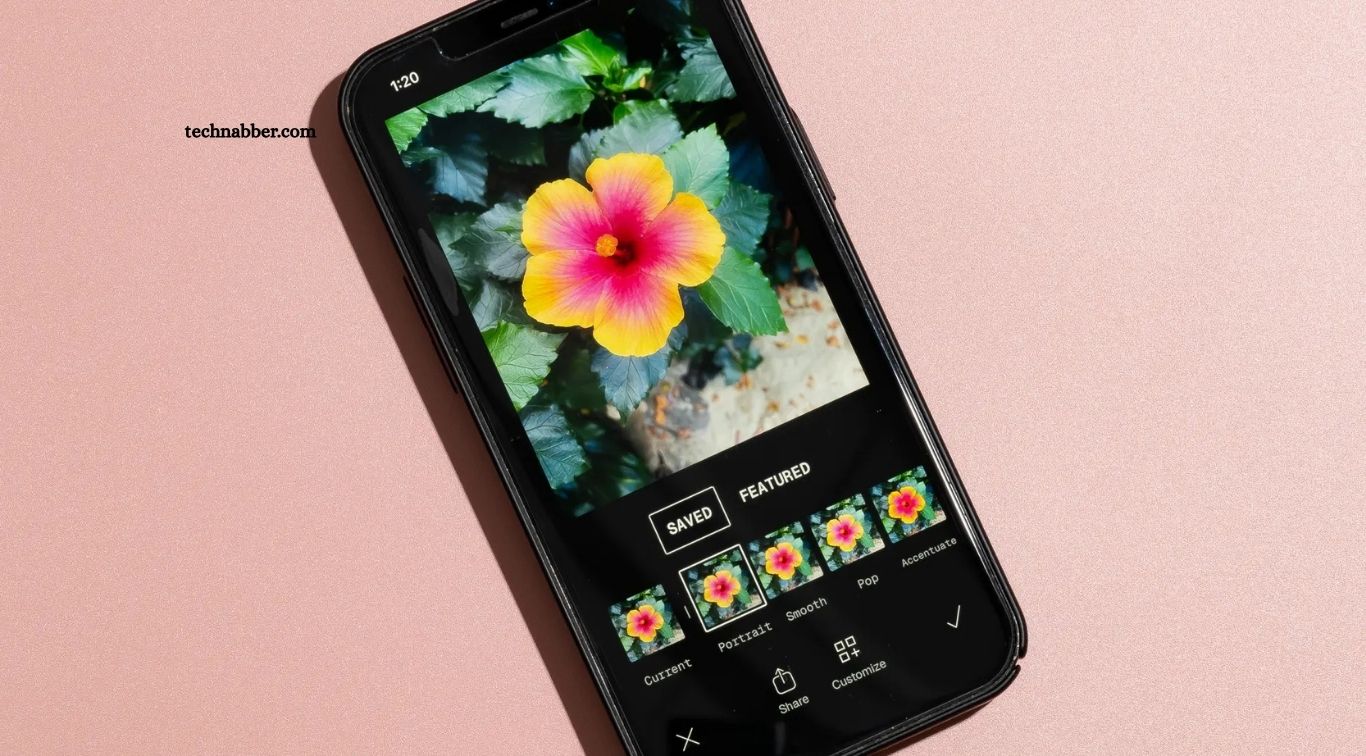
Creating eye-catching content requires more than taking a good photo. Strong editing can improve lighting, enhance colors, remove distractions, and give every image a consistent visual style. For content creators, the right photo editing app can make this process faster while helping maintain a professional appearance across social media platforms.
Modern photo editing apps offer powerful tools for creators at every skill level. From quick social media edits to advanced color grading and creative effects, these apps can transform ordinary images into engaging visual content without requiring expensive desktop software.
Read More: Top Video Editing Software Compared: Best Tools for Every Creator
Why Photo Editing Apps Matter for Content Creators
Visual content plays a major role in attracting attention online. A well-edited image can create stronger first impressions, improve brand consistency, and encourage audiences to interact with a post.
Content creators also need efficient workflows. Editing every photo manually can consume valuable time, especially when publishing regularly. Features such as presets, batch editing, background removal, AI enhancements, and templates can simplify the process.
The best photo editing app depends on the creator’s needs, editing experience, content style, and preferred platform.
Adobe Lightroom
Adobe Lightroom is one of the most popular choices for creators who want professional color control and consistent results. Its editing tools allow users to adjust exposure, contrast, highlights, shadows, white balance, saturation, and other important image properties.
Lightroom is especially useful for creators who want to develop a recognizable visual style. Presets can apply a specific editing look quickly, while advanced controls allow further adjustments when needed.
The mobile version also makes Lightroom convenient for creators who edit photographs directly from their smartphones.
Snapseed
Snapseed provides a powerful editing experience without requiring advanced knowledge. Developed by Google, the app includes tools for exposure correction, selective adjustments, healing, curves, perspective correction, and creative effects.
Snapseed works well for creators who want detailed control while keeping their workflow simple. Its selective editing features can also help improve specific areas of an image instead of changing the entire photograph.
Canva
Canva combines photo editing with graphic design features. This makes it particularly useful for social media creators who produce posts, thumbnails, stories, banners, and promotional graphics.
Creators can resize images, remove backgrounds, add text, apply filters, and combine photographs with design elements. Templates can also speed up content production while maintaining a consistent visual identity.
Canva is a strong option for creators who need both image editing and social media design tools in one platform.
Picsart
Picsart focuses on creative editing and visual experimentation. The app includes filters, effects, stickers, text tools, background editing, collages, and AI-powered features.
Creators producing trendy social media content can use Picsart to create more expressive and artistic images. Its wide range of creative tools makes it suitable for thumbnails, promotional graphics, profile images, and lifestyle content.
VSCO
VSCO is known for its stylish presets and film-inspired editing aesthetic. The app provides creators with tools for adjusting colors, tones, grain, and other visual elements.
VSCO can be particularly appealing to photographers, travel creators, lifestyle influencers, and anyone looking for a clean, consistent visual identity.
Its preset-based workflow also makes it easier to maintain a similar appearance across multiple photographs.
Photoroom
Photoroom is designed around fast image editing, especially background removal and product-focused content. Creators can isolate subjects, replace backgrounds, and prepare images for online stores or social media.
Small businesses and creators who regularly showcase products can benefit from its streamlined workflow. Instead of spending significant time manually removing backgrounds, users can complete common tasks much faster.
Pixlr
Pixlr provides browser-based editing tools for users who want flexibility without installing traditional desktop software. It includes filters, overlays, adjustments, text features, and other creative editing options.
Pixlr can be useful for creators working across different computers or anyone looking for a straightforward web-based editing solution.
Facetune
Facetune focuses heavily on portraits and selfies. It provides tools for retouching, improving skin appearance, adjusting facial details, and enhancing photographs.
Beauty, fashion, lifestyle, and personal-brand creators may find Facetune useful when portrait presentation is an important part of their content strategy. Subtle editing generally produces more natural-looking results than excessive retouching.
How to Choose the Best Photo Editing App
Choosing the right app starts with understanding your content requirements. A photographer focused on color grading may prefer Lightroom, while a social media creator producing graphics and posts may benefit more from Canva.
Creators should also consider editing speed, preset support, AI features, export quality, device compatibility, and pricing. An app with hundreds of features is not automatically the best choice if the workflow feels complicated.
For frequent content production, a simple and reliable editing process can be more valuable than having every possible editing tool.
Photo Editing Tips for Content Creators
Good editing should enhance an image rather than make it look artificial. Start by correcting exposure and white balance before applying creative effects. Adjust colors carefully and avoid excessive saturation.
Consistency also matters. Using similar presets, colors, and editing techniques across posts can help create a recognizable brand identity.
Always check the final image before publishing. Cropping, image quality, skin tones, text placement, and platform-specific dimensions can affect how the content appears after uploading.
Best Photo Editing Apps: Quick Comparison
| App | Best For | Main Strength |
|---|---|---|
| Adobe Lightroom | Professional editing | Color grading and presets |
| Snapseed | Detailed mobile editing | Advanced adjustments |
| Canva | Social media content | Templates and design |
| Picsart | Creative edits | Effects and AI tools |
| VSCO | Aesthetic photography | Film-style presets |
| Photoroom | Product content | Background removal |
| Pixlr | Web editing | Browser-based tools |
| Facetune | Portraits | Retouching |
Frequently Asked Questions
What is the best photo editing app for content creators?
Adobe Lightroom is an excellent choice for professional editing, color grading, and presets.
Which photo editing app is best for social media?
Canva is ideal for creating social media posts, stories, thumbnails, and branded visuals.
Is Snapseed good for content creators?
Yes, Snapseed offers powerful editing tools and works well for detailed mobile photo editing.
Which app is best for removing photo backgrounds?
Photoroom is a popular option for quickly removing and replacing backgrounds.
What app is best for creative photo editing?
Picsart provides creative effects, filters, AI tools, stickers, and other visual editing features.
Can content creators edit photos on smartphones?
Yes, apps such as Lightroom, Snapseed, VSCO, Picsart, and Canva provide capable mobile editing tools.
Conclusion
Choosing the best photo editing app depends on your content style, editing needs, and workflow. Lightroom, Snapseed, Canva, Picsart, VSCO, Photoroom, Pixlr, and Facetune each offer useful features for different types of creators. The right app can improve image quality, save editing time, and help maintain a consistent visual identity. Focus on simple tools, reliable performance, and professional results to create engaging photos that stand out across social media platforms.

1 Comment
Pingback: Hidden Apps That Can Boost Your Productivity - TechNabber