

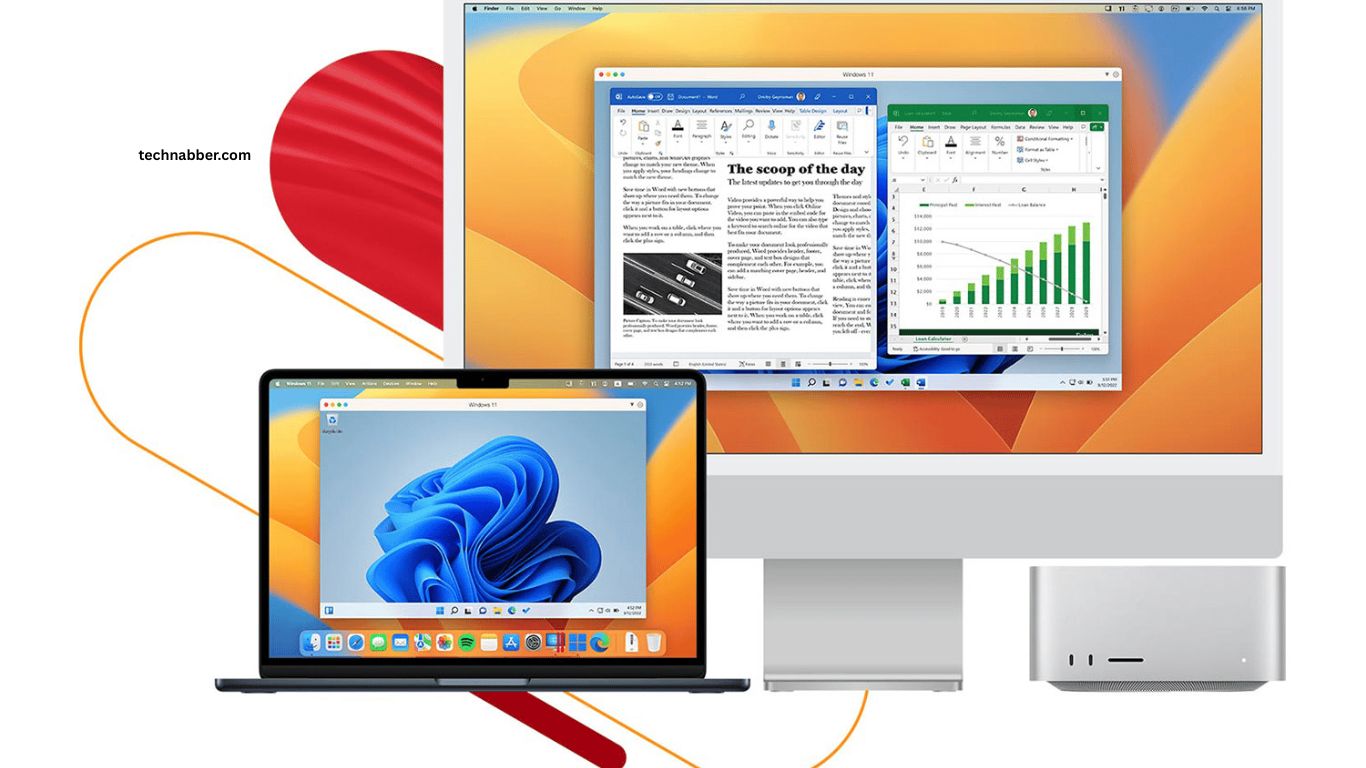
Choosing the right software can make a computer faster, safer, and more productive. Whether you use Windows or Mac for work, study, entertainment, or creative projects, reliable applications can simplify daily tasks and improve your overall experience.
Modern users have access to thousands of programs, making it difficult to know which tools are genuinely useful. From office applications and cloud storage to security tools and media players, the best software should offer practical features without making your computer complicated to use.
Read More: Best Free Apps That Make Everyday Tasks Easier
Essential Software for Windows and Mac Users
Microsoft 365
Microsoft 365 remains a valuable software suite for students, professionals, and home users. Applications such as Word, Excel, PowerPoint, and Outlook cover writing, spreadsheets, presentations, email, and everyday productivity.
Cloud integration also makes it easier to access documents across different devices. Users who regularly create professional documents or manage large amounts of data can benefit from its wide range of features.
Google Chrome
Google Chrome provides a fast and familiar browsing experience across Windows and Mac computers. Its synchronization features allow users to access bookmarks, passwords, browsing history, and other settings across supported devices.
Chrome also supports thousands of extensions that can improve productivity, privacy, communication, and online research.
VLC Media Player
VLC Media Player is a useful choice for watching videos and listening to audio files. It supports numerous media formats without requiring users to install multiple specialized players.
Its simple interface makes it suitable for beginners, while advanced playback controls give experienced users additional flexibility.
Adobe Acrobat Reader
PDF documents are common in education, business, banking, and everyday online activities. Adobe Acrobat Reader provides a reliable way to open, view, print, search, and interact with PDF files. It is particularly useful for users who frequently work with digital documents and forms.
7-Zip for Windows and The Unarchiver for Mac
Compressed files are frequently used when downloading documents, applications, images, and large collections of files. Windows users can rely on 7-Zip for handling formats such as ZIP and 7z.
Mac users can use The Unarchiver to extract various compressed file formats quickly. These tools can save storage space and simplify file sharing.
Malwarebytes
Strong security software is essential for protecting personal files and online activity. Malwarebytes provides tools designed to detect and remove various forms of malware and other unwanted software.
Regular security scans can add another layer of protection, especially for users who frequently download files or browse unfamiliar websites.
Bitwarden
Managing multiple passwords can become difficult without a dedicated password manager. Bitwarden helps users securely store passwords and generate stronger credentials for online accounts. Cross-platform support also makes it convenient for people who use both Windows and Mac devices.
Dropbox
Cloud storage provides a convenient way to keep important files accessible across multiple devices. Dropbox can be used to store documents, photographs, project files, and other digital content. Automatic synchronization also reduces the need to transfer files manually between computers.
Zoom
Video communication has become an important part of work, education, and personal communication. Zoom provides video meetings, screen sharing, chat, and collaboration features for different types of users.
It can be particularly helpful for remote teams, online classes, virtual interviews, and family conversations.
Canva
Canva offers an accessible solution for creating graphics, presentations, social media designs, posters, and other visual content. Its templates make professional-looking designs easier to create without advanced graphic design experience.
Small businesses, students, content creators, and social media users can benefit from its straightforward interface.
Notion
Notion combines notes, task management, databases, documents, and project organization in one platform. Users can create personal workspaces for planning projects, organizing information, or managing daily tasks. Its flexible structure makes it useful for both individual productivity and team collaboration.
Audacity
Audacity is a practical audio editing application for Windows and Mac. It allows users to record, cut, edit, and enhance audio files.
Podcasters, students, musicians, and content creators can use it for basic audio production without requiring expensive professional software.
How to Choose the Right Software
The best software depends on your specific computer usage. A student may prioritize document editing, note-taking, cloud storage, and video conferencing, while a professional designer may need advanced graphics and video editing applications. Compatibility should also be checked before installing any program. Windows and Mac versions may offer different features, system requirements, or installation processes.
Security is another important consideration. Download software from trusted sources and keep applications updated to reduce security risks. Removing programs that you no longer use can also free storage and keep your system organized.
Free vs Paid Software
Free software can handle many everyday tasks without requiring a subscription. Browsing, media playback, basic document management, file compression, and note-taking can often be managed with free applications.
Paid software may provide advanced features, additional cloud storage, technical support, automation, or professional editing capabilities. Consider your actual requirements before paying for features you may rarely use.
Keeping Windows and Mac Software Updated
Software updates often introduce new features, improve performance, fix bugs, and address security vulnerabilities. Keeping essential applications updated can help maintain a smoother computing experience.
Enable automatic updates when available, especially for security software, browsers, password managers, and other applications that handle sensitive information.
Frequently Asked Questions
What software should every Windows and Mac user have?
Essential software includes a web browser, office suite, media player, security tool, cloud storage, and password manager.
Is Microsoft 365 available for both Windows and Mac?
Yes, Microsoft 365 supports both Windows and macOS with popular applications such as Word, Excel, and PowerPoint.
Which software is best for playing media files?
VLC Media Player is a popular choice because it supports many audio and video formats.
Do Windows and Mac users need antivirus software?
Security software can provide additional protection against malware, harmful downloads, and other online threats.
What is the best software for storing files online?
Services such as Dropbox provide convenient cloud storage and file synchronization across devices.
Should computer software be updated regularly?
Yes, regular updates can improve security, fix bugs, enhance performance, and add useful features.
Conclusion
The right software can make Windows and Mac computers more productive, secure, and convenient. Essential tools for office work, web browsing, file management, cloud storage, security, communication, and entertainment can simplify everyday tasks. Choosing trusted software based on personal needs helps maintain better performance while avoiding unnecessary applications.

1 Comment
Pingback: Top Productivity Apps for Students and Professionals - TechNabber