

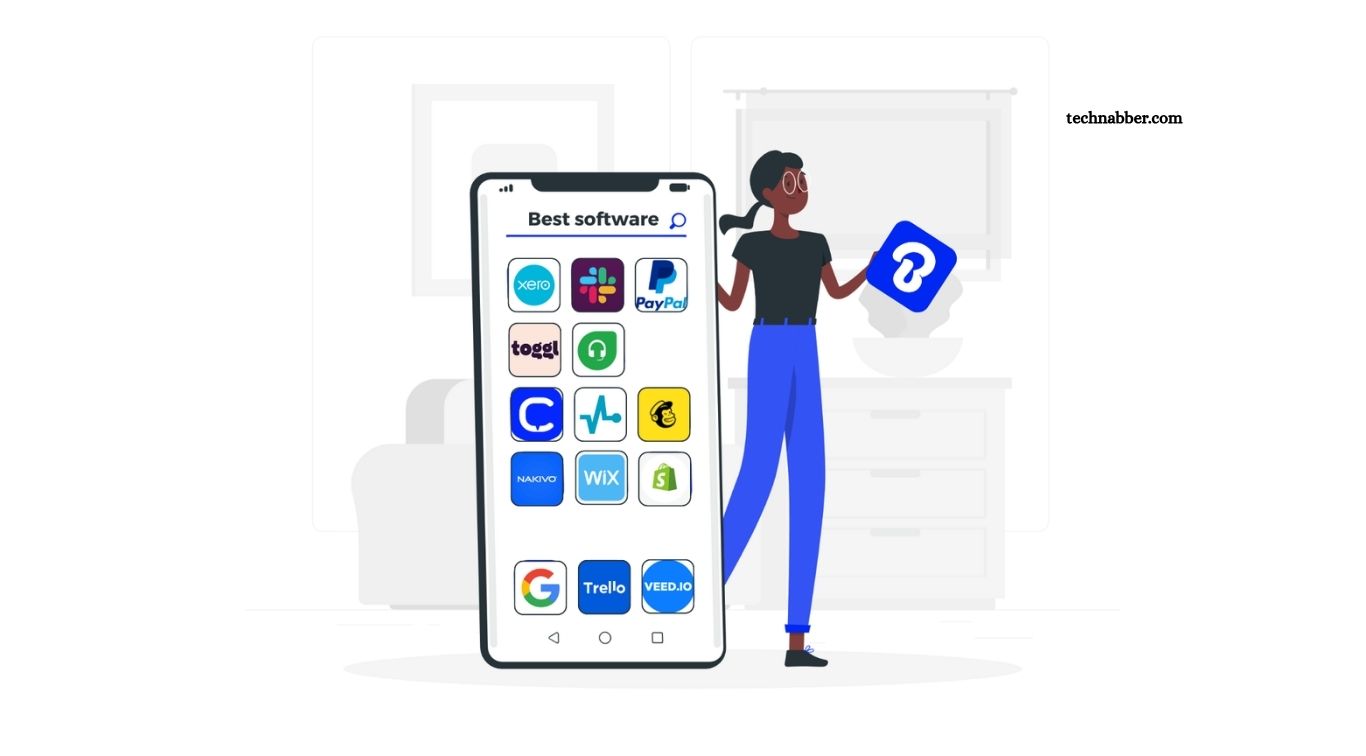
Small companies handle numerous daily responsibilities, including sales, accounting, customer communication, employee management, marketing, project planning, inventory, and data security. Managing every operation manually can consume valuable time while increasing the chances of mistakes. Modern business software gives small companies practical tools for simplifying these responsibilities while improving productivity.
Choosing suitable software can also support business growth without requiring a large workforce. Cloud-based platforms, automation tools, accounting systems, customer management solutions, and collaboration software help teams complete routine work faster. Understanding major software categories helps business owners select solutions matching company size, goals, budget, and operational requirements.
Read More: Top Cloud Storage Apps Compared
Why Small Companies Need Business Software
Business software helps small companies organize important operations through centralized digital systems. Instead of maintaining separate spreadsheets, paper records, emails, and manual reports, teams can manage information through dedicated platforms.
Automation represents another major advantage. Software can automate invoices, payment reminders, customer follow-ups, marketing campaigns, payroll calculations, reports, and repetitive administrative tasks. Employees gain additional time for customer service, sales, product development, and business growth.
Reliable software also improves accuracy. Automated calculations, organized databases, real-time updates, and reporting tools reduce errors commonly associated with manual processes.
Accounting Software for Financial Management
Accounting remains one of the most important areas for every small company. Accounting software helps businesses track income, expenses, invoices, payments, taxes, and financial reports. Popular accounting platforms provide dashboards showing cash flow, outstanding invoices, expenses, and overall financial performance. Business owners can quickly understand company finances without reviewing numerous spreadsheets.
Useful accounting software features include invoice creation, expense tracking, bank reconciliation, tax reporting, recurring billing, financial statements, and payment integration. Small companies should choose accounting software based on transaction volume, employee requirements, local tax rules, reporting needs, and integration options.
Customer Relationship Management Software
Customer relationship management software, commonly called CRM software, helps businesses organize customer information and sales activities. CRM platforms can store contact information, communication history, sales opportunities, follow-up schedules, customer preferences, and deal progress. Sales teams gain a clear view of every prospect throughout the sales process.
Small companies can use CRM software to improve lead management, reduce missed follow-ups, track sales performance, and build stronger customer relationships. Automation features can also assign leads, schedule reminders, send messages, and update sales records. Growing companies benefit greatly from having customer information stored within one organized system.
Project Management Software
Small teams often manage multiple projects simultaneously. Project management software creates a structured workspace where employees can organize tasks, deadlines, responsibilities, files, and project progress. Managers can assign tasks, establish priorities, monitor completion rates, and identify delays before they become serious problems. Team members can easily understand current responsibilities without relying on lengthy email conversations.
Useful features include task boards, calendars, timelines, file sharing, progress tracking, notifications, workflow automation, and team discussions. Selecting a simple platform remains important for small companies. Complex systems containing unnecessary features can create additional work rather than improving productivity.
Communication and Collaboration Software
Effective communication becomes increasingly important when employees work from different locations or follow flexible schedules. Business communication software provides instant messaging, group conversations, video meetings, file sharing, voice calls, and workplace notifications. Teams can communicate quickly while keeping important conversations organized.
Collaboration platforms also reduce dependence on long email threads. Employees can create dedicated spaces for departments, projects, clients, or specific topics. Companies should consider security controls, file storage, meeting capabilities, mobile support, integration options, and ease of use when selecting communication software.
Payroll and Employee Management Software
Managing employee information manually becomes difficult as a company grows. Payroll and human resource software helps automate important workforce responsibilities. These platforms can manage salaries, attendance, leave requests, employee records, working hours, benefits, onboarding, and performance information.
Payroll automation can reduce calculation errors while improving payment consistency. Employee self-service features may also allow staff members to access payslips, update personal information, submit leave requests, or review attendance records. Small companies should select systems supporting applicable employment regulations, payroll requirements, tax rules, and company policies.
Marketing Automation Software
Marketing requires consistent communication across email, websites, search platforms, social media, and other digital channels. Marketing software helps small companies organize campaigns without requiring large marketing departments. Email marketing platforms can manage subscriber lists, automated messages, newsletters, promotional campaigns, and customer segmentation. Other marketing tools support social scheduling, lead generation, analytics, landing pages, and campaign tracking.
Automation allows companies to deliver relevant messages based on customer actions. New subscribers might receive welcome emails, while existing customers could receive product updates or special offers. Strong analytics features also help businesses understand campaign performance and improve future marketing decisions.
Inventory Management Software
Companies selling physical products need accurate inventory information. Inventory management software tracks products, quantities, orders, suppliers, warehouses, and stock movements. Real-time inventory tracking helps businesses prevent stock shortages and unnecessary overstocking. Automated alerts can notify managers when product quantities reach predefined levels.
Advanced systems may include barcode scanning, purchase order management, sales channel synchronization, supplier tracking, and demand reporting. Retailers, wholesalers, manufacturers, and e-commerce companies can gain significant value from organized inventory management.
Cloud Storage and File Management Software
Business documents need secure, accessible storage. Cloud storage platforms allow employees to save, organize, share, and access files through internet-connected devices. Centralized storage prevents important documents from becoming scattered across personal computers, email attachments, and physical drives.
Version history, permission controls, automatic synchronization, backups, and collaborative editing provide additional benefits. Teams can work on shared documents while maintaining better control over business information. Companies handling confidential information should carefully review encryption, access controls, backup policies, authentication options, and regulatory requirements.
Cybersecurity Software for Small Businesses
Cybersecurity should remain a priority for companies of every size. Small businesses can face phishing attacks, malware, ransomware, account theft, data breaches, and other digital threats. Security software can provide antivirus protection, endpoint security, password management, multi-factor authentication, email protection, backup capabilities, and threat monitoring.
Software alone cannot provide complete protection. Companies should combine security tools with regular software updates, strong passwords, employee awareness training, secure backups, and controlled access permissions. Protecting customer and company data supports business continuity while strengthening customer trust.
E-Commerce Software
Companies selling products online need software capable of managing storefront operations efficiently. E-commerce platforms can provide product pages, shopping carts, payment processing, order management, customer accounts, shipping options, and sales reports.
Small companies benefit from platforms offering simple setup alongside room for future expansion. Integration with accounting, inventory, marketing, and CRM systems can create a more connected workflow.
Mobile responsiveness, security, payment options, customization, transaction costs, and scalability deserve careful consideration before selecting an e-commerce platform.
Point-of-Sale Software
Retail stores, restaurants, salons, service providers, and other physical businesses often require point-of-sale software. Modern POS systems can process payments while tracking sales, inventory, customer information, discounts, receipts, and employee activity. Cloud-based solutions can synchronize information across multiple locations.
Business owners can use sales reports for identifying popular products, busy periods, average order values, and purchasing patterns. Reliable hardware compatibility, payment security, offline functionality, transaction fees, and inventory integration should guide POS software selection.
How to Choose the Best Business Software
Every company has different operational requirements. Selecting software based only on popularity can result in unnecessary expenses or complicated workflows. Start by identifying specific business problems requiring improvement. A company struggling with invoices might prioritize accounting software, while another experiencing sales follow-up problems might need CRM software first.
Budget also deserves attention. Companies should examine subscription charges, setup costs, transaction fees, training expenses, add-ons, storage limits, and future pricing changes. Integration capabilities become increasingly important as businesses adopt multiple tools. Software capable of sharing information with existing platforms can reduce duplicate data entry and create smoother workflows.
Benefits of Integrated Business Software
Using connected software can create a unified business environment. Sales information can move into accounting systems, customer details can connect with marketing platforms, while inventory levels can update after completed orders.
Integration reduces repeated manual entry while improving data consistency across departments. Managers also gain more complete reporting because information flows between different systems.
Small companies do not necessarily need numerous applications. A carefully selected combination of essential tools often provides better results than maintaining many overlapping subscriptions.
Business Software Scalability Matters
Software requirements change as companies grow. A platform suitable for five employees may become restrictive when a business reaches fifty employees.
Scalable software allows companies to add users, increase storage, activate advanced features, connect additional applications, and handle larger transaction volumes.
Business owners should consider current requirements alongside expected growth. Selecting flexible software can reduce costly migrations later while creating a stronger foundation for expansion.
Frequently Asked Questions
What is business software?
Business software helps companies manage accounting, sales, customers, employees, projects, marketing, and daily operations.
Which software is best for small companies?
The best software depends on business size, budget, industry, operational needs, and growth plans.
Why do small businesses need accounting software?
Accounting software simplifies invoicing, expense tracking, payments, financial reporting, and tax preparation.
What does CRM software do?
CRM software manages customer information, sales leads, communication history, follow-ups, and business relationships.
Is cloud-based business software secure?
Reputable cloud platforms provide encryption, authentication, backups, access controls, and other security features.
Can business software improve productivity?
Yes. Automation reduces repetitive tasks, saves time, improves accuracy, and helps teams work more efficiently.
Conclusion
Choosing the best business software for small companies can improve productivity, reduce manual work, and simplify everyday operations. Accounting, CRM, project management, marketing, payroll, inventory, and security tools help businesses manage important tasks more efficiently. Small companies should prioritize affordable pricing, simple interfaces, strong security, useful integrations, and scalable features. Suitable business software creates smoother workflows, improves customer management, supports better decisions, and provides a stronger foundation for long-term business growth.

1 Comment
Pingback: Software That Can Improve Your Computer's Performance - TechNabber