

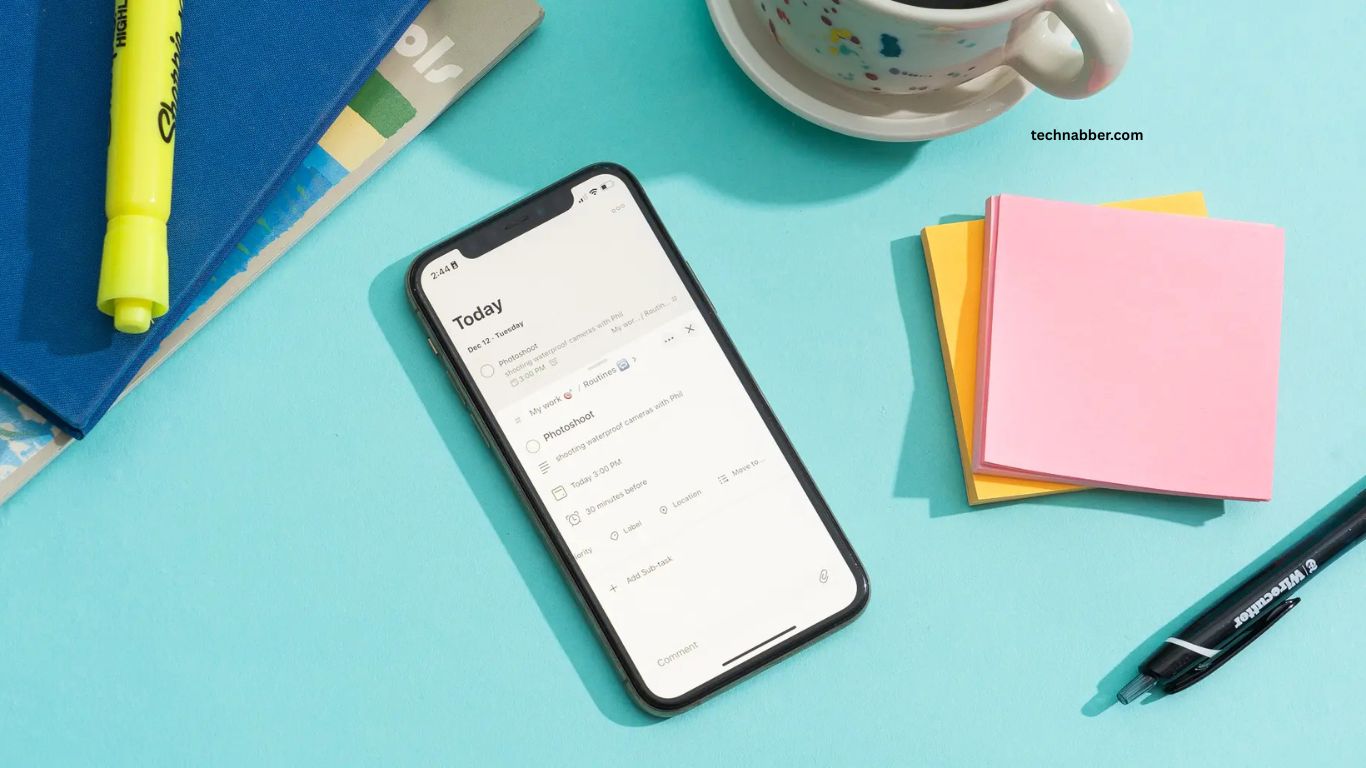
Modern life can feel busy, with work, communication, planning, entertainment, and personal responsibilities competing for attention. Fortunately, free apps can simplify many everyday tasks without requiring expensive subscriptions.
From organizing schedules and managing notes to communicating with others and improving productivity, the right apps can save time and reduce daily stress.
Read More: Essential Technology Updates for Digital Users
Why Free Apps Are Useful for Everyday Life
Free apps provide practical digital solutions for common tasks. They can help users organize information, remember important activities, communicate quickly, manage files, and complete routine work more efficiently. Many free applications also work across smartphones, tablets, and computers, making personal information accessible from almost anywhere.
Choosing useful apps does not mean installing dozens of applications. A small collection of reliable tools can provide everything needed for better organization and productivity.
Google Keep for Quick Notes and Reminders
Google Keep is a simple note-taking app designed for capturing ideas, reminders, shopping information, and important details. Its clean interface makes it easy to create notes within seconds.
Users can organize notes with labels, colors, checkboxes, images, and reminders. The synchronization feature also makes notes available across supported devices. For people who frequently need to remember small tasks or ideas, Google Keep can become a valuable everyday productivity tool.
Microsoft To Do for Task Management
Microsoft To Do helps users organize daily responsibilities in a simple digital workspace. Tasks can be separated into different lists, making personal projects, work responsibilities, and daily routines easier to manage.
The app supports reminders, due dates, recurring tasks, and priority settings. Its straightforward design makes it useful for anyone who wants better control over daily responsibilities without using complicated project-management software.
Google Calendar for Better Scheduling
Keeping track of appointments, meetings, birthdays, deadlines, and personal activities can become difficult without proper organization. Google Calendar provides a convenient way to manage schedules digitally.
Users can create events, add reminders, organize activities, and view upcoming commitments. Calendar synchronization allows schedules to remain accessible across multiple devices. A well-organized digital calendar can reduce missed appointments and make busy days easier to manage.
Google Drive for Easy File Storage
Google Drive provides free cloud storage for documents, images, PDFs, and other important files. Instead of keeping everything on one device, users can store files online and access them from different devices.
Cloud storage also makes sharing files easier. Users can send documents to colleagues, friends, or family members without relying on physical storage devices. For everyday file management, Google Drive offers a convenient and accessible solution.
Canva for Quick Designs
Creating attractive graphics does not always require professional design software. Canva offers free design tools that allow users to create social media graphics, presentations, posters, documents, and other visual content.
Its templates and drag-and-drop interface make basic design tasks easier for beginners. Whether creating a simple invitation or a professional social media post, Canva can save time compared with designing everything from scratch.
WhatsApp for Everyday Communication
WhatsApp has become a useful communication tool for personal and professional conversations. Users can send messages, make voice and video calls, share documents, send images, and communicate through group chats.
Its broad popularity makes it especially useful for staying connected with friends, relatives, clients, and work groups. Quick communication through a single application can make everyday coordination much easier.
Google Maps for Navigation and Travel
Google Maps helps users find locations, plan routes, discover nearby businesses, and estimate travel times. It can be particularly useful when visiting unfamiliar places or planning daily journeys.
Turn-by-turn navigation makes traveling easier, while location information can help users find restaurants, stores, offices, services, and other destinations. Having a reliable navigation app can reduce travel confusion and save valuable time.
VLC Media Player for Playing Different Files
VLC Media Player is a popular free media player capable of handling many audio and video formats. It can be useful when a device does not support a particular media format through its default player.
The application is lightweight and supports numerous playback features. For users who regularly watch videos or listen to downloaded media, VLC provides a flexible option without requiring expensive software.
Snapseed for Simple Photo Editing
Snapseed offers powerful photo-editing features in an easy-to-use mobile application. Users can adjust brightness, contrast, colors, sharpness, and other image properties.
The app can help improve everyday photographs without requiring advanced editing knowledge. Its range of editing tools makes it useful for social media images, personal photos, and quick visual improvements.
Trello for Organizing Projects
Trello uses boards, lists, and cards to organize tasks and projects visually. This approach can make complicated responsibilities easier to understand by separating different stages of work.
The free version can be useful for personal planning, content creation, study projects, and small team activities. Users can quickly see what needs attention, what is in progress, and what has already been completed.
How to Choose the Right Free Apps
The best app depends on the specific problem a user wants to solve. Someone struggling with scheduling may benefit from a calendar application, while another person may need a task manager or cloud storage platform.
Privacy, ease of use, device compatibility, available features, and storage limits are also important considerations. Choosing apps based on real needs helps prevent unnecessary downloads and keeps a device organized.
Benefits of Using Free Productivity Apps
Free applications can improve productivity by reducing repetitive work and keeping important information organized. Digital reminders can prevent forgotten tasks, cloud storage can protect access to important files, and communication apps can make collaboration faster.
Another major advantage is accessibility. Many free apps work across multiple devices, allowing users to continue their activities without being tied to a single computer or smartphone.
Frequently Asked Questions
What are the best free apps for everyday tasks?
Google Keep, Microsoft To Do, Google Calendar, Google Drive, Canva, and Google Maps are excellent free options.
Can free apps improve productivity?
Yes, free apps can help organize tasks, schedules, files, notes, and daily responsibilities.
Are free productivity apps safe to use?
Many reputable apps are safe, but users should review privacy settings and download apps from official stores.
Which free app is best for task management?
Microsoft To Do is a simple and useful option for managing daily tasks and reminders.
Which free app is best for storing files?
Google Drive is a convenient option for storing and accessing files across multiple devices.
Can free apps save time?
Yes, the right apps can automate reminders, organize information, simplify communication, and reduce repetitive tasks.
Conclusion
Free apps can make everyday life easier by improving organization, communication, productivity, and time management. From managing tasks and schedules to storing files, editing photos, navigating places, and staying connected, the right apps can simplify daily routines. Choosing reliable applications based on personal needs can save time, reduce stress, and create a more efficient digital lifestyle.

1 Comment
Pingback: Must-Have Software for Windows and Mac Users - TechNabber