

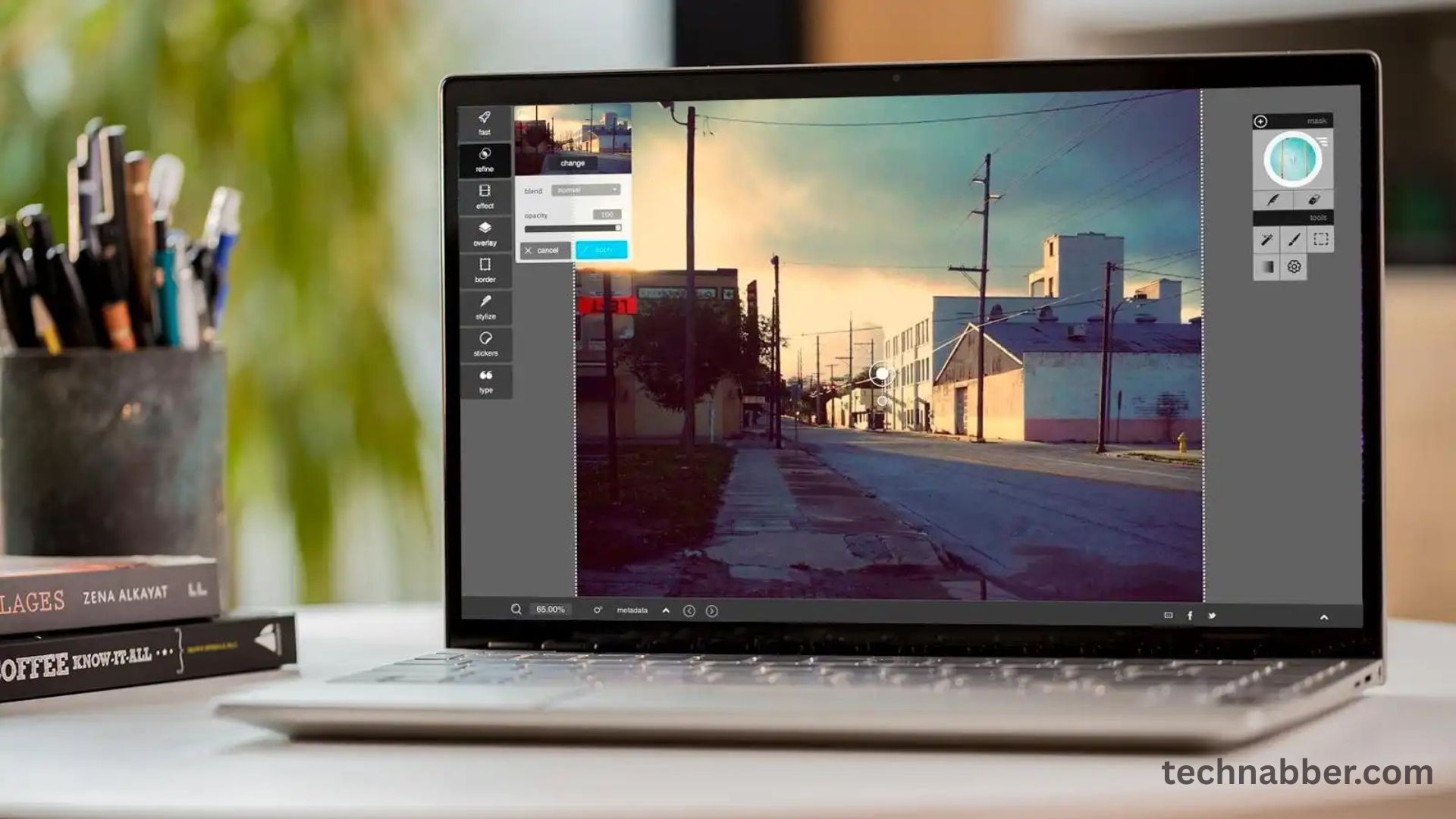
In today’s digital age, free software plays a critical role in personal and professional productivity. With the rising costs of paid applications, many users turn to free alternatives that offer robust functionality without compromising quality. Our editors have carefully selected 66 essential free software tools for 2026, covering categories from productivity and design to security and multimedia. These tools empower users to accomplish tasks efficiently while saving costs.
The best free software not only provides value but also supports innovation, creativity, and collaboration. Whether you are a student, professional, or hobbyist, having access to reliable free applications is essential. This guide highlights software that is trusted, regularly updated, and widely used across industries, ensuring that users can confidently integrate them into their workflows.
Productivity Software
Productivity tools form the backbone of efficient digital workflows. Free software in this category includes document editors, spreadsheet applications, and task management tools. Applications like LibreOffice and OnlyOffice offer alternatives to expensive office suites, providing word processing, spreadsheets, and presentation capabilities with familiar interfaces. Task management and note-taking apps help users organize projects and maintain focus.
These tools often support cloud integration, allowing seamless collaboration and file sharing. Users can work across multiple devices without worrying about compatibility issues. The combination of feature-rich capabilities and zero cost makes productivity software a cornerstone of essential free tools for both personal and professional use.
Design and Creativity Tools
Design and creativity software is crucial for artists, marketers, and content creators. Free tools like GIMP, Inkscape, and Blender provide powerful platforms for graphic design, photo editing, and 3D modeling. These applications rival some paid alternatives, offering advanced features while remaining accessible to everyone.
For video editing and animation, software such as Shotcut and OpenToonz allows users to create professional-quality content without expensive subscriptions. Creative tools support various file formats, offer tutorials, and include plugins that enhance functionality. By leveraging free design software, individuals and small teams can produce high-quality visual content while keeping costs low.
Security and Privacy Tools
Security is a top priority for any digital user. Free software solutions like Avast Free Antivirus, Bitdefender Free, and ProtonVPN offer robust protection against malware, viruses, and online threats. These tools safeguard data, ensure privacy, and provide real-time monitoring to prevent cyberattacks.
Many security applications also include password managers, firewalls, and encryption tools, helping users protect sensitive information across multiple devices. By using trusted free software for security, individuals and businesses can maintain digital safety without investing in costly enterprise-level solutions.
Multimedia Software
Multimedia tools are essential for consuming, editing, and managing audio and video content. Free applications like VLC Media Player, Audacity, and HandBrake allow users to play various file formats, edit audio tracks, and convert media efficiently. These tools are user-friendly, compatible with multiple operating systems, and regularly updated to address emerging needs.
Streaming, recording, and broadcasting software also falls under this category. OBS Studio, for instance, enables live streaming and screen recording, supporting creators and educators alike. Multimedia software ensures that users can produce, edit, and share high-quality content without investing in expensive professional suites.
Development and Programming Tools
Developers rely on software that simplifies coding, debugging, and deployment. Free integrated development environments like Visual Studio Code, Eclipse, and Atom provide comprehensive coding environments for multiple programming languages. These tools include features such as syntax highlighting, code completion, and version control integration.
Open-source development platforms encourage collaboration and knowledge sharing among developers. Free programming tools also support frameworks, libraries, and extensions that enhance productivity and allow developers to build scalable applications efficiently. The availability of such tools democratizes software development and fosters innovation across industries.
Cloud and Collaboration Tools
Collaboration is key for remote work, education, and team projects. Free cloud-based software like Google Workspace, Microsoft OneDrive, and Trello facilitates file sharing, real-time editing, and project management. Users can collaborate seamlessly regardless of location, making remote work more effective and organized.
Cloud integration ensures that files are backed up and accessible from multiple devices. Many free collaboration tools include communication features such as chat, video conferencing, and task tracking, providing an all-in-one platform for teams and individuals.
Read More: 2026’s Best App Development Software for Developers
Essential Utility Software
Utility software enhances system performance and user experience. Free applications like CCleaner, 7-Zip, and WinDirStat help users optimize storage, manage files, and maintain system health. These tools improve speed, reduce clutter, and prevent system errors, ensuring a smooth computing experience.
Utilities also include backup solutions, system monitors, and troubleshooting tools. By incorporating these essential free utilities, users can extend the lifespan of their devices and maintain consistent performance without incurring additional costs.
FAQs (Frequently Asked Questions)
Why should I use free software instead of paid alternatives?
Free software often offers similar functionality to paid applications without the cost, making it accessible for everyone.
Are these free software tools safe to use?
Yes, all editor-selected tools are trusted, widely used, and regularly updated for security.
Can I use free software for professional purposes?
Absolutely. Many free tools provide advanced features suitable for business, education, and creative work.
Will free software receive updates?
Yes, most popular free software is frequently updated with new features and security patches.
Can I find alternatives to popular paid software?
Yes, tools like GIMP, LibreOffice, and Blender offer robust alternatives to premium applications.
Do free software tools support multiple platforms?
Many free applications are cross-platform, compatible with Windows, macOS, and Linux.
Are there limitations with free software?
Some free tools may lack advanced features or professional support but remain highly functional for most users.
How do I choose the best free software for my needs?
Consider functionality, compatibility, updates, and reliability when selecting software for your tasks.
Conclusion:
The 66 editor-selected free software tools highlighted here represent a wide spectrum of digital needs, from productivity and design to security, multimedia, development, collaboration, and utilities. They demonstrate that cost-free solutions can match or even surpass paid alternatives in functionality and reliability.
By leveraging these essential free tools, users can maximize productivity, enhance creativity, ensure security, and streamline workflows. The key to effective digital management in 2026 lies in choosing reliable software that combines features, usability, and support. Free software remains a cornerstone for individuals and organizations seeking high-quality applications without financial burden.
